
The established character
Start with their name, role and true details.
One past choice. A present reminder.
Give an established character one choice or omission they wish they could revisit. Prepare an origin, believable reminders and story hooks while leaving feelings and future decisions with the player.

One past choice. A present reminder.
Connect the regret to believable memories and future choices.
Start with their name, role and true details.
Choose what they wish they could revisit.
Show how the history appears in present scenes.
Leave feelings and decisions with the player.
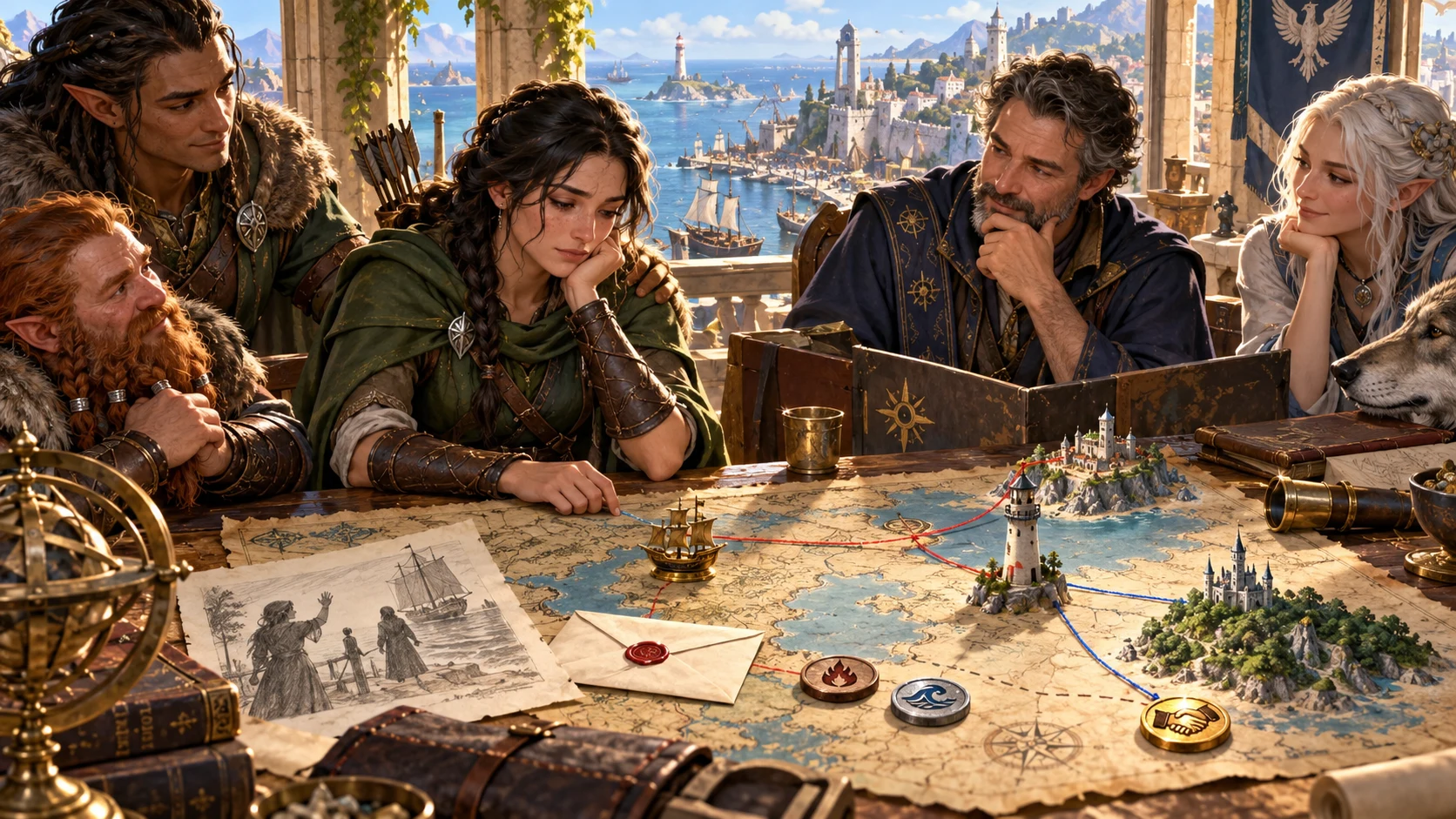
Prepare meaningful character history
The illustration represents fictional scene preparation, not an application screen or generated image output.
Start with the character’s name, role and established facts.
Choose the kind, tone and how heavily the regret weighs.
From established history to a useful table moment
Prepare reminders, story hooks and a possible way forward.
Name the character, role, tone and weight.
Set the kind and an origin that fits the facts.
Review two reminders, table cues and who notices.
Prepare hooks, tips and a believable chance for change.
Your character history toolkit
Connect one past choice to table cues, story hooks and practical roleplaying tips.
Build around a past choice, omission or words left unsaid.
Choose a passing wish, lingering doubt, real regret, heavy burden, defining regret or the choice that still shapes everything.
Start with the character’s name, role and true details.
Connect the regret to the past without deciding the character’s response.
Prepare how it appears at the table and who notices.
Review two story hooks and two tips, with a possible way to make amends or see the past differently.
Lock, change and edit individual sections, save versions and reopen the result.
Choose Dungeon Master or player-facing material, then copy, download or print.
Choose the detail the regret needs
Add the context and limits that matter to your character.
Start with name, facts, role, tone and weight.
Add the kind of regret and where it began.
Choose a true character fact to build on.
Record things to avoid and keep private notes separate.
Keep useful character history
Choose the sections and view that suit your table.
Lock, change and edit details.
Save character regrets and reopen them.
Keep useful versions of the result.
Review the chosen view before sharing.

Character history to review
Review the origin, two reminders, table cues and who notices.
Prepare two story hooks, two playing tips and a possible way the regret could change.
Review player-facing details before sharing.
Meaningful history leaves choices
Prepare possibilities without imposing guilt or punishment.
Keep the focus on a choice the character still carries.
Leave feelings, action and resolution with the player.
Check current player material and keep private context separate.
Prepare no mechanic or Combat PRO handoff.
Choose your generator access
Choose the required generator access and review current pricing in your account.
Choose the required access for Character Regret Generator as a selected standalone generator.
Select this generator within an eligible pack. Review current capacity and pricing in your account.
Other generators, Battlemaps and image-credit products have their own access arrangements. They are not included automatically.
Create a free account, choose the required generator access and use Desktop Command Centre on Windows.
VISINVOKE means value
A focused tool for believable regrets, useful table cues and future possibilities.

Start with the past choice that still matters.
Build from the character’s established facts.
Prepare cues that bring history to the table.
Leave feelings, action and resolution with the player.
Build your tabletop toolkit
Each card opens its own product website. Review purpose and access separately; related products do not promise included access or automatic synchronisation.
Open your VISINVOKE products from Windows.
Frame a live exchange after an established social mistake.

Build the wider setting around your campaign.

Develop the places your party travels through.

Explore separate adventure environments.
Explore separate fantasy image creation.
Product artwork illustrates fictional scene preparation, not application screens or actual generated image output.
Quick answers
Understand the regret, origin, reminders, revision, sharing and access.
Prepare one choice or omission an established character wishes they could revisit. Connect it to an origin, two reminders, table cues, someone who notices, two story hooks, two practical roleplaying tips and a possible way the regret could change. Leave feelings, action and resolution with the player.
Create a free VISINVOKE account and review current generator access and pricing in your account. Choose the required access for this selected generator or an eligible generator pack. Other VISINVOKE products have separate access arrangements.
Quick starts with the character’s name and true details, role, tone and how heavily the regret weighs. Deep adds the kind of regret, whether it began in childhood, hard times, admiration, a loss, an old success or an accident, then an established fact to build on, things to avoid and private context.
Build around a person left behind, words spoken or withheld, a choice made, someone failed, trust broken, a path not taken or something taken. Choose a passing wish, lingering doubt, real regret, heavy burden, defining regret or the choice that still shapes everything, without turning it into a penalty.
Lock, change and edit individual sections, save versions and reopen regrets with their origin, reminders, table cues, observers, hooks, tips and possible change. Copy the full Dungeon Master dossier or chosen player-facing character note, download the structured record or print. Review current player-facing details before sharing, especially after edits, and keep private context in your own notes.
Open Character Regret Generator from the Generators collection in Desktop Command Centre on Windows. It prepares one regret the character still carries, rather than necessarily their worst decision, an unfinished task or a ready-made redemption story. It applies no mechanic or penalty and sends nothing to Combat PRO. The player decides whether and how it affects their character, including whether they seek to make amends.
Continue in VISINVOKE
Create a free VISINVOKE account and choose generator access.
Get Desktop Command Centre from your account installer page. Sign in on Windows and open Character Regret Generator.